

Why Mobile First Matters Now
Mobile-first design isn’t just a buzzword anymore—it’s how the web actually works. Over 60% of global web traffic comes from phones and tablets. When you start designing for the smallest screens, you’re building for the majority of your users right from the beginning.
The thing is, mobile-first thinking does more than just make your site work on phones. It forces you to make hard decisions about what matters. You can’t include everything. You have to prioritize ruthlessly. That discipline carries through to your desktop designs, making them cleaner and more intentional.
Understanding Viewport Constraints
A smartphone viewport on a modern phone is roughly 375 pixels wide. That’s your constraint. It’s tight. Your header, navigation, and content all need to fit within that space. No wasteful layouts. No unnecessary padding.
When you design for 375px first, you’re building a solid foundation. Then when you expand to tablet (768px) or desktop (1440px), you’re adding space and complexity thoughtfully. It’s additive rather than subtractive.

Designing the Mobile Experience First
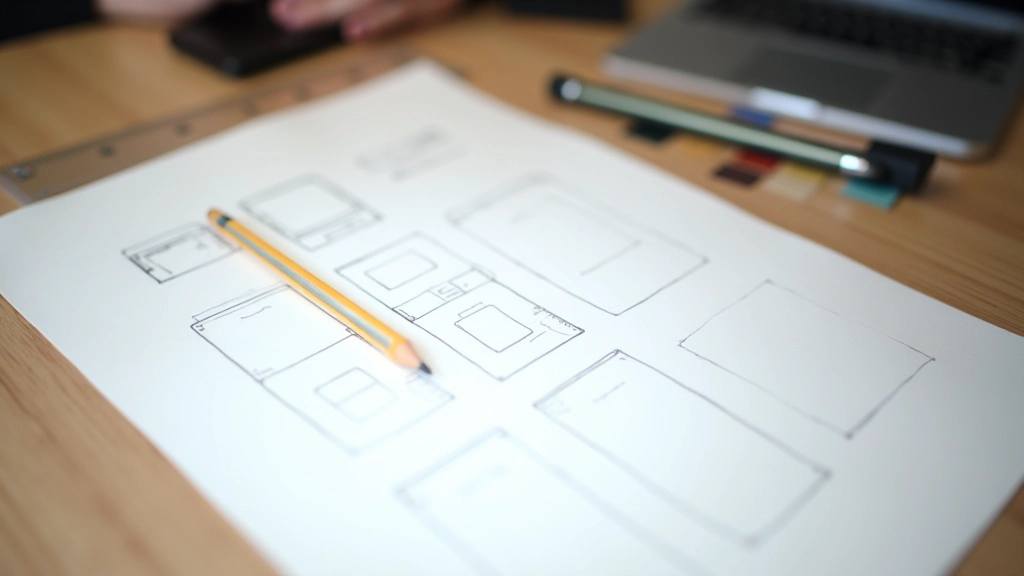
Start by sketching on mobile. Grab a piece of paper and draw a narrow rectangle. That’s your canvas. Put your navigation at the top or bottom—don’t center it. Include the most essential information and interactions.
Your headline needs to be readable at 375px. That means shorter copy, better hierarchy, and smart use of whitespace. Buttons should be at least 44×44 pixels for touch targets. Links need breathing room so people don’t accidentally tap the wrong one.
Images should be responsive and load quickly. You’re probably using slower connections on mobile, so optimize aggressively. Every element has to earn its place. There’s no room for decoration or unnecessary flourishes.
Touch-First Interaction Patterns
Mice are precise. Thumbs are not. When you’re designing for touch, your interface needs to be more forgiving and intentional. Buttons aren’t 20×20 pixels anymore. They’re 48×48 at minimum, often 56×56 for critical actions.
Spacing matters tremendously. A 16-pixel gap between tappable elements prevents accidental taps. Your navigation menu items should be chunky enough to tap confidently. Forms should have larger input fields with bigger text.
Pro tip: Test your designs with your thumb, not your cursor. Sit back in a chair with your phone in one hand and try to use the interface. You’ll immediately spot problems that mouse testing misses.

Progressive Enhancement and Scaling
Mobile-first means you build a solid, working foundation on mobile. Then you enhance. On tablet, you might add a two-column layout. Your sidebar becomes visible. Content can breathe a little more. On desktop, you’ve got even more space to play with.
This approach prevents bloated desktop designs that don’t scale down well. You’re not removing features on mobile—you’re thoughtfully adapting them. A navigation that’s a hamburger menu on mobile becomes a horizontal bar on tablet. A single-column list becomes a two-column grid on desktop.
The CSS reflects this thinking. You write your base styles for mobile, then add media queries for larger screens. At 768px, you expand the layout. At 1024px, you add more complexity. At 1440px, you’ve got your full desktop experience. It’s elegant. It’s maintainable.

Performance Benefits You’ll Actually See
When you design mobile-first, you naturally think about performance. No massive hero images. No heavy animations. No bloated JavaScript for features that aren’t essential. Your mobile site becomes fast by default.
You’ll use smaller images on mobile and serve larger versions on desktop through responsive images. Your CSS is leaner because you’re not hiding tons of elements with display: none. Your JavaScript is minimal because you’ve already decided what’s truly necessary.
The result? Your site loads in under 3 seconds on mobile. Users on slower connections actually get a good experience. Google ranks you higher. Everyone wins.
Getting Started With Mobile-First Today
You don’t need special tools to start thinking mobile-first. Your browser’s developer tools have device emulation built in. Chrome, Firefox, Safari—they all let you view your site as if it’s on a phone.
Write your HTML semantically. Use proper heading hierarchy. Make forms accessible. Then write your CSS starting with mobile. Use flexbox and CSS Grid—they’re built for responsive design. Add media queries for larger screens as you expand.
Sketch your layout on 375px canvas
Write semantic HTML
Style for mobile in your base CSS
Add media queries for 768px+
Test on real devices, not just emulation
Mobile-First is Practical, Not Theoretical
Mobile-first design works because it matches reality. Most people browse on phones. Designing for that first, then expanding to larger screens, makes logical sense. You’re not forcing desktop patterns onto mobile—you’re building up thoughtfully from the smallest screen.
Your designs will be faster. Your code will be cleaner. Your users will have better experiences across all devices. That’s not hype. That’s just what happens when you prioritize the majority of your users from day one.
Educational Note: This guide provides foundational mobile-first design principles and practices. The techniques and approaches described are educational in nature. Actual implementation may vary based on your project requirements, audience, and business goals. Always test your designs with real users and devices to validate your approach. Mobile-first methodology is a recommended best practice supported by industry standards and user behavior data, but individual project needs should always guide your design decisions.